Remote Desktop Support
Connect to approved Windows sessions for diagnostics, coding, configuration and day-to-day support.
→

4Desk for automotive workshops
4Desk helps automotive workshops connect to customer and in-bay computers for diagnostics, coding, configuration, and day-to-day technical support in one clean workflow.
Windows desktop access, Quick Support for customers, and browser-based viewing all work together inside the 4Desk ecosystem built for automotive technicians.
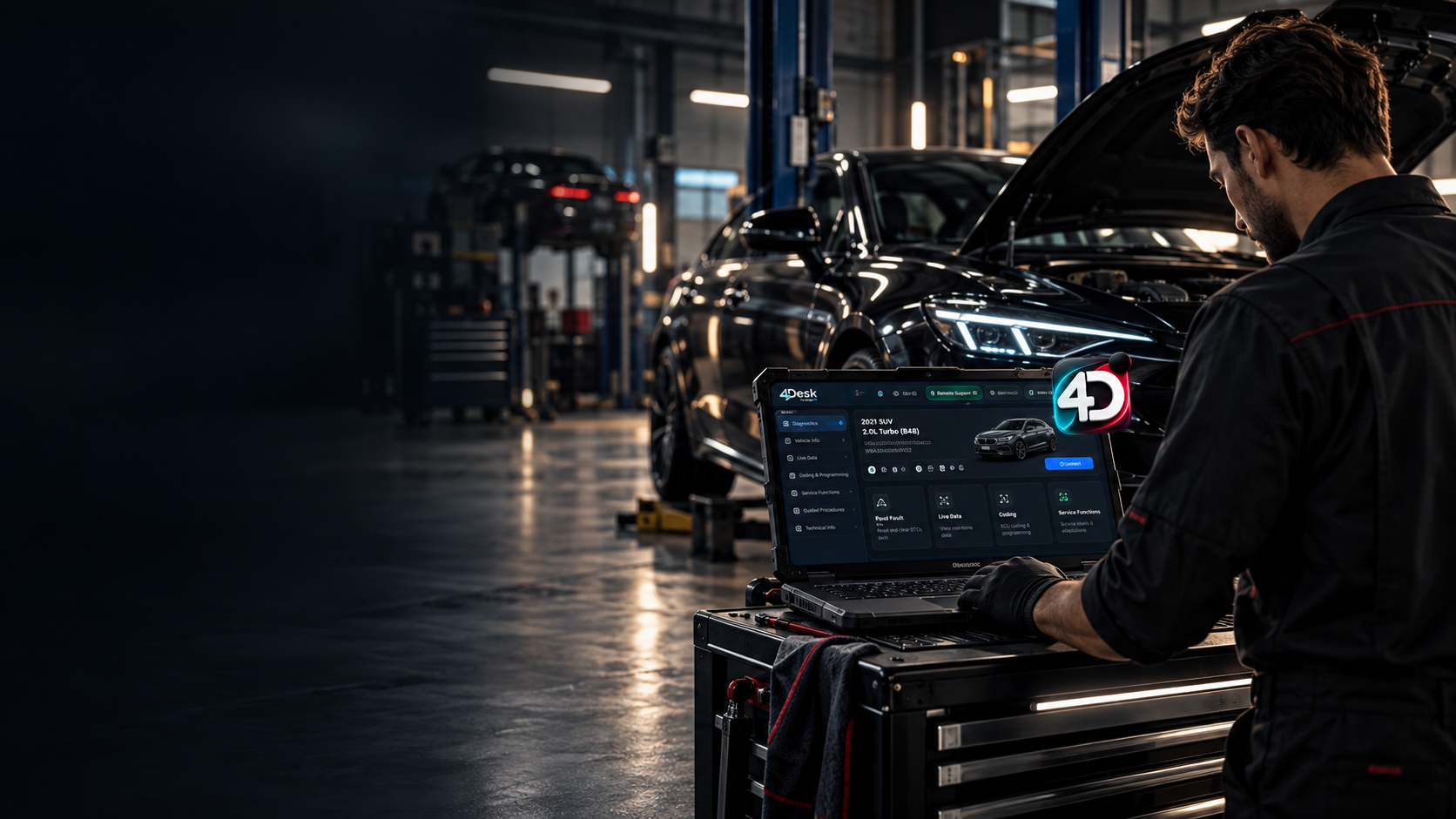
Connect to approved Windows sessions for diagnostics, coding, configuration and day-to-day support.
→Let customers start a secure support session quickly without installing the full 4Desk application.
→Privacy Screen, secure file transfer, drag & drop, custom avatar and more Pro session tools.
→Designed for automotive workshops, independent technicians and European-vehicle specialists.
→Built for workshop workflows
Purpose-built for real service bays.


Support 4Desk and get access to powerful Pro tools.
 AcceptedAccepted
Official downloads
Choose the full Windows app, Quick Support, Chrome Companion, or open the Web Viewer. Published files are read directly from the official 4Desk release feed.
 Checking
Full 4Desk application for automotive technicians and workshop support.
Download Windows Checking
Lightweight attended-support app for customers.
Download Quick Support Checking
Browser-side helper for streamlined remote workflows.
Get Companion Online
Open approved sessions in your browser. No separate viewer install required.
Open Web ViewerSource 4desk.garageos.pro/updates
Checking latest.json and release folders.
Browser access
The 4Desk Web Viewer gives your team clean browser-based access with no extra viewer installation.
Launch the browser viewer from any current desktop browser.
Use the approved 4Desk session details supplied by your technician.
Start the attended browser session with no separate viewer install.
Approved browser session · attended access · no extra viewer
Works in current Chrome, Edge, and similar browsers.
Open approved sessions with clear access controls.
Ideal for workshop support and technician handoff.
FAQ
4Desk is remote support software built specifically for automotive workshops and technicians. It combines a Windows desktop app, attended Quick Support, file transfer tools, and a browser-based Web Viewer for diagnostics, coding and technical support workflows.
Quick Support is a lightweight customer app for attended remote sessions. Customers can start a support session without installing the full 4Desk desktop application.
Yes. The 4Desk Web Viewer opens approved sessions in a modern browser without installing a separate viewer.
4Desk Pro includes Privacy Screen, easy file transfer, drag-and-drop file transfer, Support Profile, Custom Avatar, and other eligible Pro features during your active Pro period.
Verified
4Desk presents clear release status, verified account flows, defined session tools, and transparent Pro access for automotive workshop support.
| Trust signal | What the user sees | Why it helps | Status |
|---|---|---|---|
| Verified 4Desk Account | Clear verification and entitlement status inside the application. | Shows that the account and plan state are visible and easy to confirm. | Live |
| Official release channel | Published builds are surfaced from the official 4Desk release feed with direct links. | Helps users verify they are downloading the correct current build. | Live |
| Defined support workflow | Desktop, Quick Support, Web Viewer, and companion tools are shown as separate entry points. | Reduces confusion by making each session path clear before the user starts. | Live |
| Transparent Pro access | One-time supporter options are shown clearly with no automatic renewal wording. | Sets straightforward expectations around pricing and Pro access duration. | Live |
Approved references
Only publish real workshop references after customer approval.
| Workshop reference | Status | What to add here |
|---|---|---|
| Reference slot 1 | Pending approval | Add a short, approved customer quote before public promotion. |
| Reference slot 2 | Pending approval | Add a verified workshop name, role, and concise use-case quote. |
Compare remote support tools
The comparison pages are now live. Each page uses dated public-source verification and focuses on concrete product and workflow differences relevant to automotive workshops and remote technicians.
Competitor information verified: September 27, 2026. No overall winner or ranking is assigned.
| Comparison | Workshop context | Verification | Status | Open |
|---|---|---|---|---|
| 4Desk vs TeamViewer | Broad enterprise/IT remote support compared with a workshop-focused support workflow. | 27 Sep 2026 | Live | Open comparison |
| 4Desk vs AnyDesk | General remote-access positioning and licensing context alongside 4Desk's automotive focus. | 27 Sep 2026 | Live | Open comparison |
| 4Desk vs Supremo | A lightweight general remote-support tool compared with technician and workshop support flows. | 27 Sep 2026 | Live | Open comparison |
| 4Desk vs ToDesk | General remote-access use cases compared with workshop, diagnostic-support and technician workflows. | 27 Sep 2026 | Live | Open comparison |
Focuses on technicians, diagnostic PCs, programming sessions and workshop-side support handoff.
Competitor-specific claims are tied to dated public information rather than placeholder assumptions.
Each dedicated comparison page includes source context, FAQs and a direct route back to 4Desk.
The pages compare documented characteristics without declaring an overall best product or winner.
Support 4Desk
If 4Desk is useful in your work, you can support its continued development with a one-time contribution and receive Pro access as our thank-you.
Pricing last updated: September 26, 2026.
AcceptedSupport development and unlock 4Desk Pro for 3 months.
Pay with PayPalPayment link will be added soon
AcceptedSupport 4Desk longer term and enjoy one full year of Pro access.
Pay with PayPalPayment link will be added soon
PayPal acceptedSecure PayPal checkout link will be added hereRelease Notes