
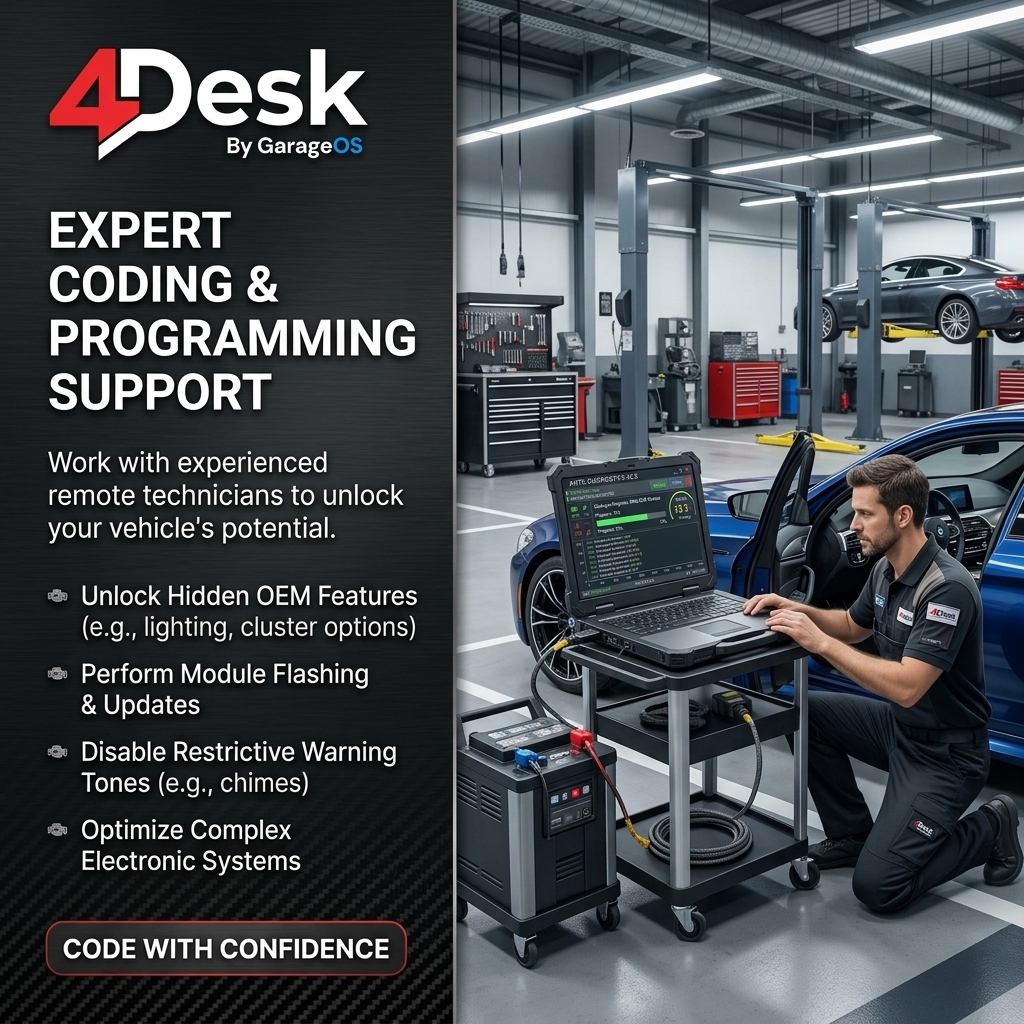
Remote-access software can let an authorized specialist operate or assist the workshop computer used for ECU or module programming. It is the connection layer between technicians; it is not the flashing tool, calibration file, OEM authorization, programming interface or vehicle power supply.
What remote access can help with
A remote specialist can review the workstation, help configure approved software, inspect logs, guide the local technician, move job-specific support files and operate a permitted tool when the workshop has authorized that work.
This can reduce travel and make specialist knowledge available to a workshop faster, but the remote connection does not change the technical requirements of the programming procedure itself.
What must remain local
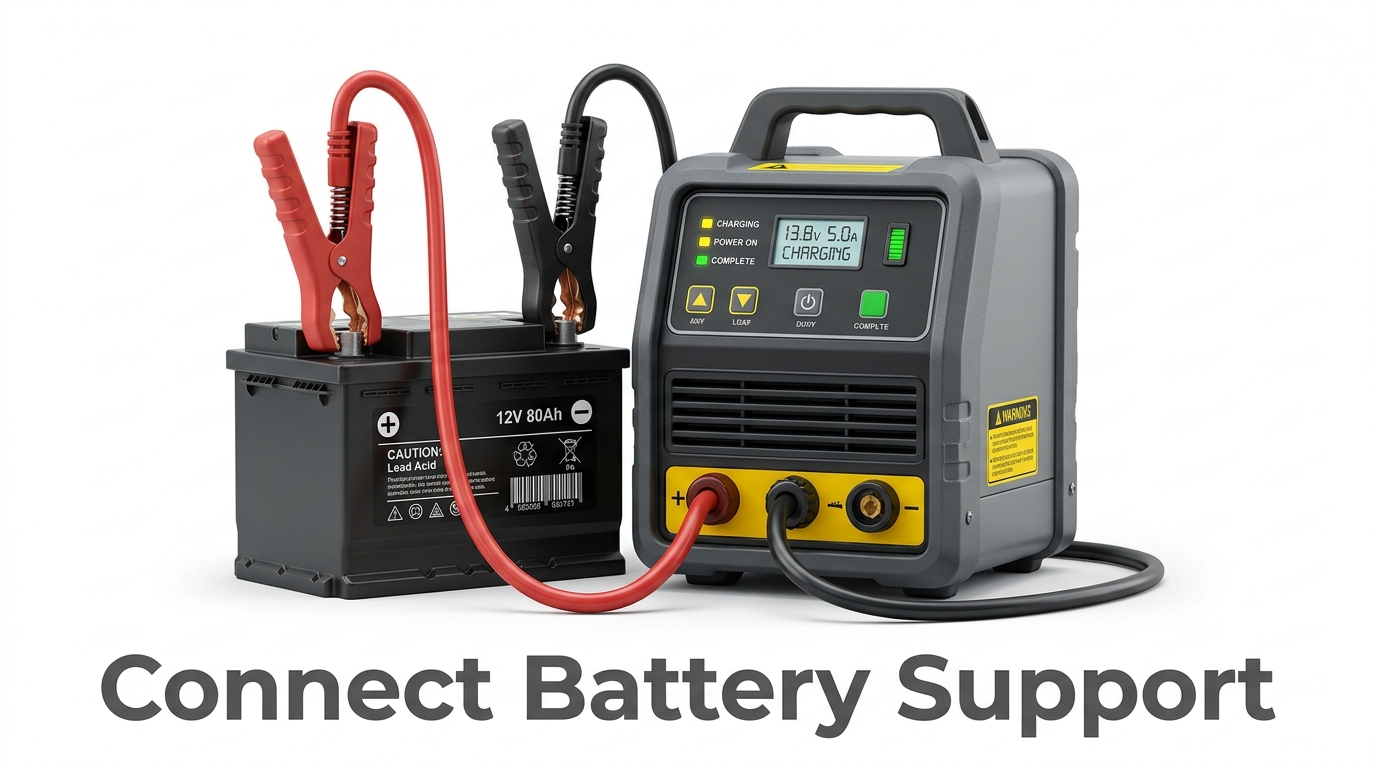
The workshop controls battery voltage, ignition state, physical connections, programming interfaces, vehicle access and immediate safety. If an OEM or tool vendor requires a particular power supply, interface or recovery procedure, that requirement remains in force regardless of who controls the PC.
- Vehicle power and battery support
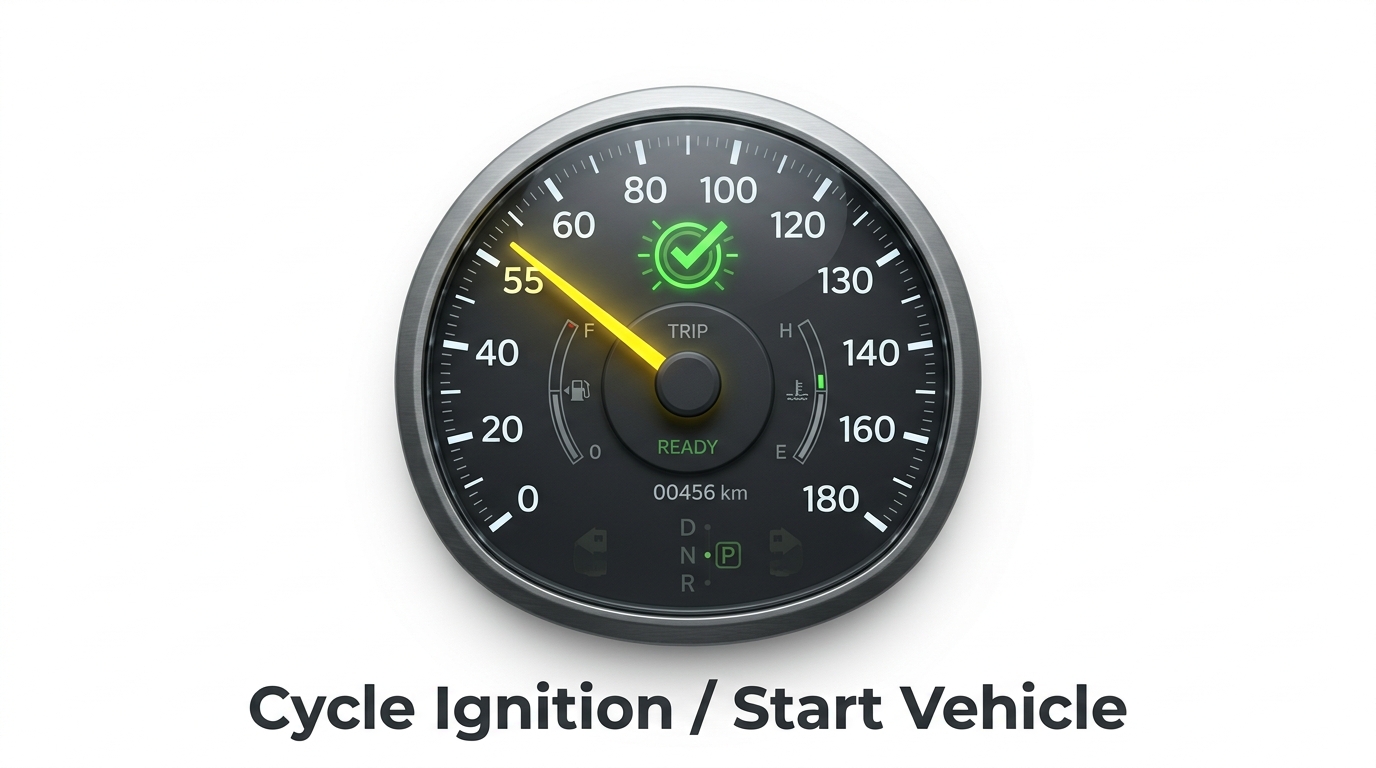
- Ignition and physical vehicle state
- Correct diagnostic/programming interface
- Stable workshop network
- Access to the vehicle if a recovery step is needed
- Decision to stop if conditions are no longer safe
Why connection stability matters
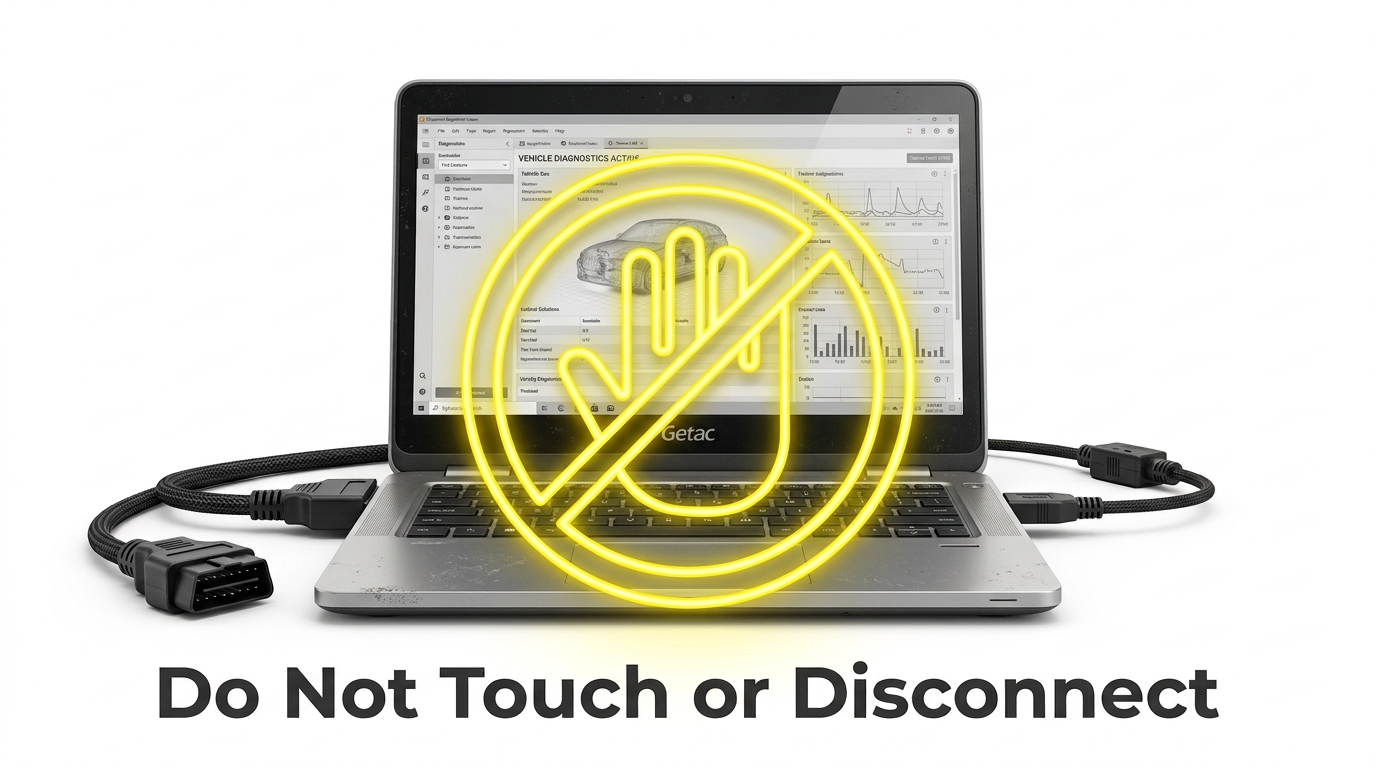
Programming workflows can be sensitive to interruptions. Reduce avoidable risk by using a stable network where practical, preventing workstation sleep or unattended reboot events, and preparing a recovery path before a sensitive operation begins.
Privacy and customer data
Only expose the systems and files required for the job. Use access controls, privacy presentation and file-transfer permissions deliberately, and follow the workshop's own authorization and data-handling requirements.
Where 4Desk fits
4Desk provides the remote-support layer: remote desktop access, Privacy Screen, file transfer, Quick Support and Web Viewer workflows. The diagnostic or programming application remains separate and should be used according to its own licensing, technical and safety requirements.
Frequently asked questions
Can 4Desk flash an ECU by itself?
No. 4Desk is the remote-support layer. ECU or module programming is performed by separate diagnostic or programming software and hardware.
Does remote access remove the need for battery support?
No. If the vehicle or programming procedure requires battery support, that requirement remains local and unchanged.
Who controls ignition cycles and physical connections?
The on-site workshop technician controls the vehicle, ignition state, physical interfaces and immediate workshop safety.
What should happen if the remote connection becomes unstable?
The workshop should follow the recovery and interruption guidance of the diagnostic or programming tool being used. Remote-access software does not replace that procedure.
Read the documentation or evaluate the workflow
Use the public product pages to understand the 4Desk workflow before applying remote support to a live workshop task.