
Remote support in an automotive workshop means allowing an authorized technician or specialist to assist a workshop computer without travelling to the vehicle. The connection can support diagnostics, configuration, programming preparation, software setup and technical guidance, while the on-site technician remains responsible for the vehicle and workshop environment.
Prepare the workshop before the session
Identify the correct vehicle, workstation and support task before anyone connects. Confirm who authorized the session, close unrelated customer information, and make sure the workshop computer has stable power and network access.
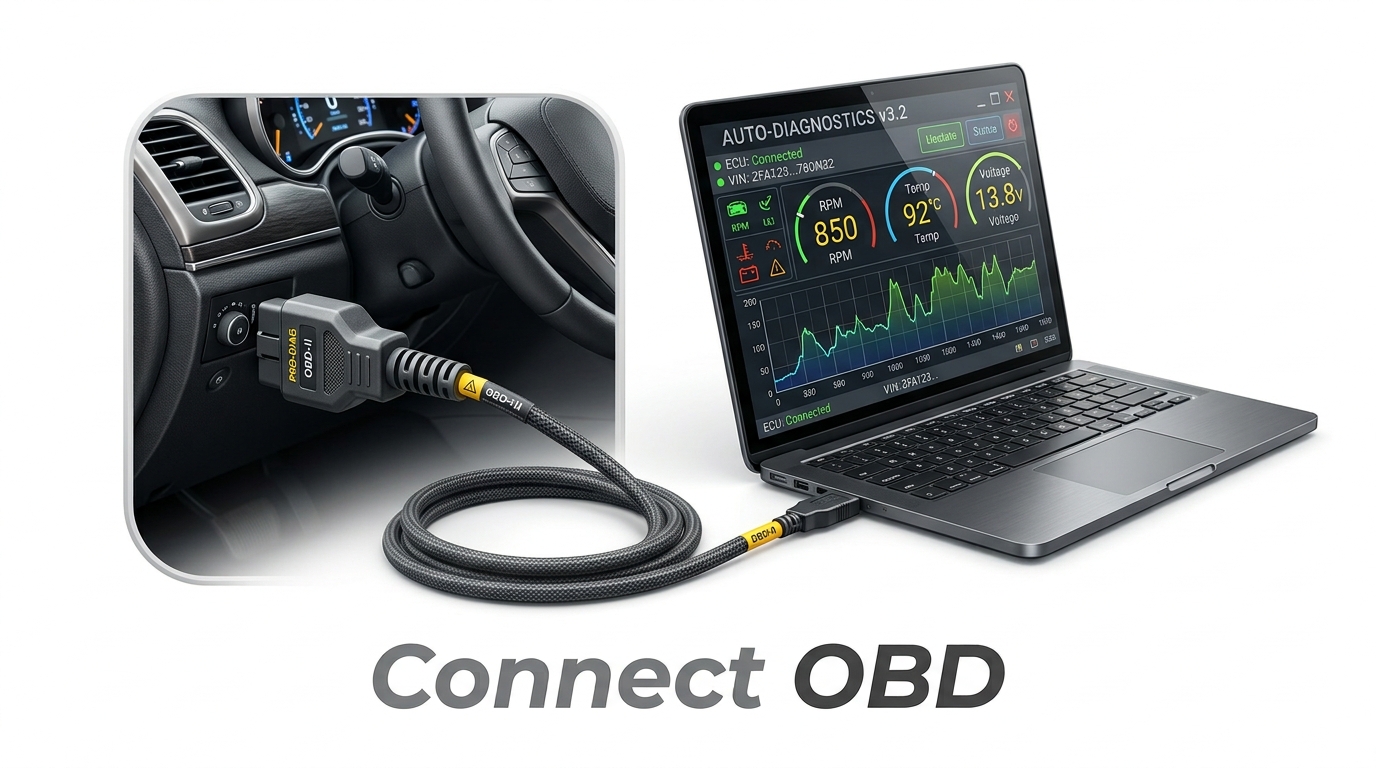
For coding or programming work, preparation also includes the requirements of the diagnostic or programming tool being used. Battery support, vehicle state, interface connection and recovery procedures remain separate from the remote-access application.
- Correct vehicle and workstation confirmed
- Workshop/customer authorization confirmed
- Stable workstation power and network
- Unrelated customer data closed
- Vehicle-specific preparation completed where required
- Recovery path understood before a sensitive procedure begins
Use privacy deliberately
A privacy screen can reduce unnecessary local exposure during a supported session. Treat it as a presentation and privacy control, not as a substitute for authorization or access policy. The workshop should still know who is connected and why.
Move only the files the job needs
File transfer is useful for logs, approved configuration files and job-specific support material. Keep the scope narrow. Do not move unrelated customer information simply because the remote connection makes it convenient.
Keep the on-site technician in control
The local technician controls ignition cycles, battery support, physical interfaces, vehicle access and workshop safety. If conditions change or a required safeguard is missing, the local technician should be able to stop the procedure.
Choose software around the actual workflow
For automotive use, evaluate connection reliability, session authorization, privacy controls, file movement, temporary support and whether the software fits the way technicians actually work. 4Desk is designed around that workshop-support context.
Where 4Desk fits
4Desk combines remote desktop support with Privacy Screen, file transfer, Quick Support and a browser Web Viewer. These are support-layer capabilities; the vehicle diagnostic or programming application remains separate.
Frequently asked questions
Does remote support replace the technician at the vehicle?
No. The on-site technician remains responsible for the vehicle, physical connections, power support, workshop safety and deciding whether a procedure should continue.
Can a remote-support tool perform diagnostics by itself?
No. Remote-support software provides access to the workshop computer. Diagnostic, coding and programming functions come from separate tools and applications.
What should a workshop prepare before a remote programming session?
Confirm authorization, vehicle and workstation identity, stable power and network access, required interfaces, battery support where required, and a recovery plan appropriate to the programming tool or OEM procedure.
Why use a Privacy Screen during remote support?
A Privacy Screen can reduce unnecessary local exposure during an approved session. It is a privacy and presentation control, not a replacement for authorization or access policy.
Read the documentation or evaluate the workflow
Use the public product pages to understand the 4Desk workflow before applying remote support to a live workshop task.