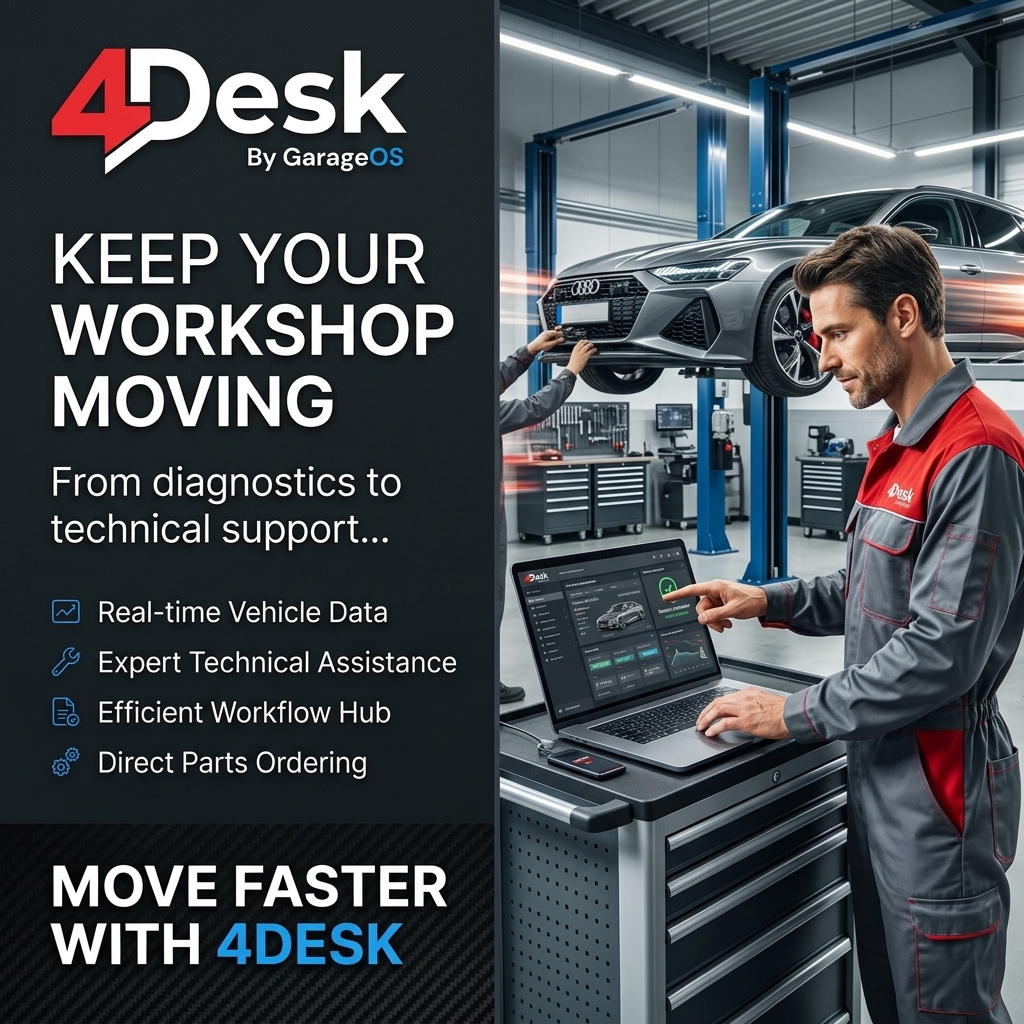
Remote diagnostics support is a collaborative support workflow. A workshop technician remains physically with the vehicle while an authorized remote specialist connects to the workshop computer and assists with the software-side part of the job. The vehicle, workshop environment, diagnostic interface and physical procedure remain local.
How a remote diagnostics session works
A typical session begins with the workshop identifying the vehicle, support task and computer that will be used. The local technician prepares the vehicle and diagnostic interface, starts the required diagnostic application and confirms that the remote specialist is authorized to connect.
Once the remote session starts, both sides can work around the same screen and software. The remote specialist can review information visible in the application, help navigate procedures, assist with software configuration and guide the technician through the next steps. Any action requiring physical access to the vehicle remains with the workshop.
What can the remote specialist assist with?
Depending on the diagnostic software and the job, remote assistance can include reviewing diagnostic application screens, helping interpret workflow steps, configuring software, supporting coding preparation, checking logs, transferring approved job files and guiding the local technician through a documented procedure.
- Navigate diagnostic or service software
- Review software-visible fault information and logs
- Assist with software configuration and setup
- Support coding or programming preparation
- Transfer approved job-specific files
- Guide the local technician through software-side steps
What must stay local to the workshop?
The local technician remains responsible for the vehicle and workshop environment. That includes confirming the correct vehicle, connecting interfaces, managing ignition state, applying battery support when required, handling physical measurements or repairs, monitoring workshop safety and deciding whether a procedure should continue.
Remote support software cannot replace a diagnostic interface, programming interface, OEM application, battery maintainer, oscilloscope, multimeter or the technician performing physical checks.
How to prepare for remote diagnostics support
Preparation reduces wasted session time and lowers the chance of interruptions during sensitive procedures. Before the remote specialist connects, confirm the support scope and prepare the workstation and vehicle.
- Confirm the correct vehicle, VIN and support task
- Use the intended workshop computer and diagnostic application
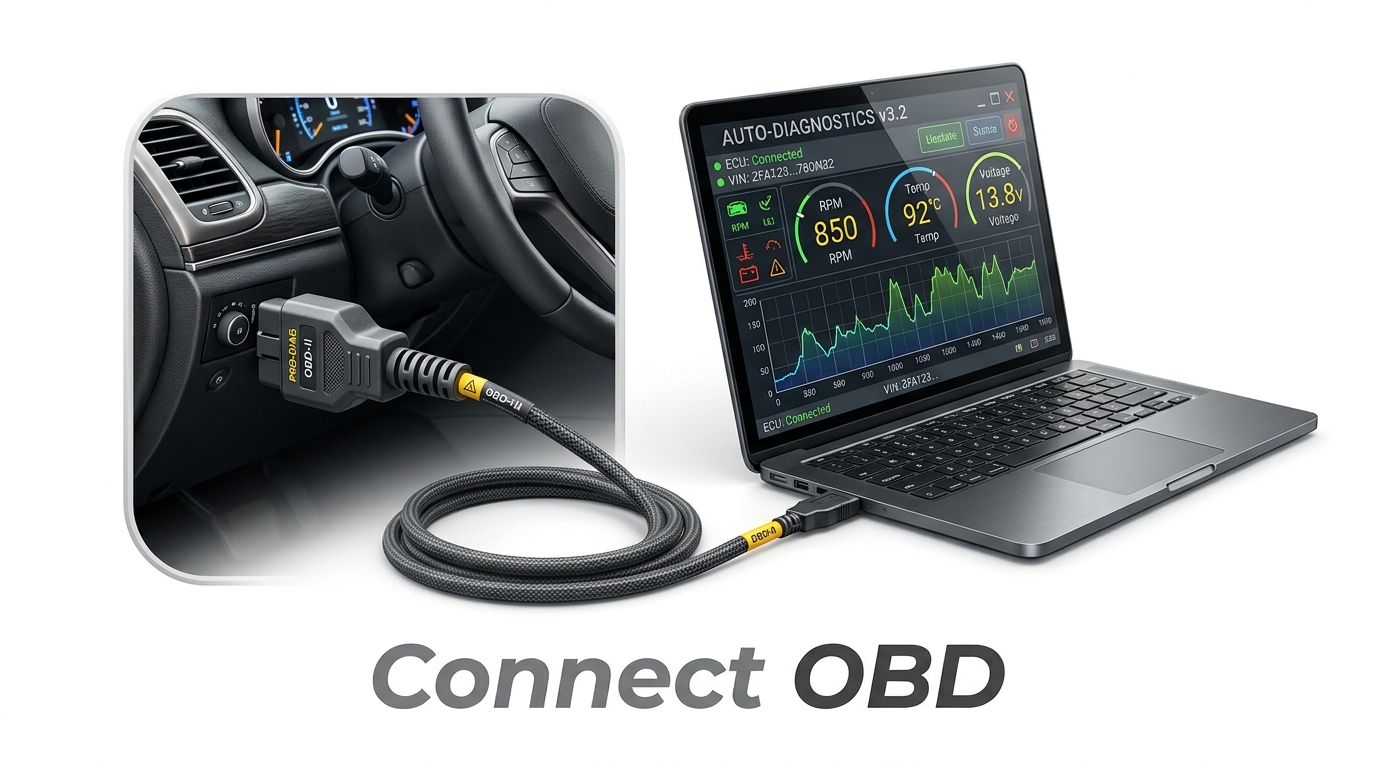
- Connect the correct vehicle interface
- Confirm stable internet and workstation power
- Use vehicle battery support where the procedure requires it
- Close unrelated customer or workshop information
- Confirm who is authorized to connect and why
Privacy and file handling during a remote session
Remote diagnostics support can expose diagnostic screens, customer information and technical files. The workshop should keep the session limited to the job being supported and close unrelated information before access begins.
When files need to move between the workshop and remote specialist, transfer only the material required for the job. A privacy screen can also reduce unnecessary local display exposure during an approved session, but it does not replace authorization or access policy.
Where 4Desk fits into remote diagnostics support
4Desk by GarageOS provides the remote-support connection and workflow layer around the software already used by the workshop. It combines Remote Desktop, Quick Support, Web Viewer, Privacy Screen and file transfer for automotive support sessions.
4Desk does not diagnose a vehicle by itself and does not replace OEM or aftermarket diagnostic software. Its role is to connect the remote specialist to the approved workshop computer so the specialist and local technician can work together more efficiently.
Frequently asked questions
What is remote diagnostics support?
Remote diagnostics support is a workflow where an authorized specialist connects to a workshop computer and assists the local technician with diagnostic software, technical troubleshooting and related software-side tasks while the vehicle remains at the workshop.
Can remote diagnostics software diagnose a vehicle without a local technician?
Remote-support software alone cannot replace the local technician, vehicle interface or diagnostic application. A local technician is still needed for vehicle access, physical checks, interface connections, ignition control and workshop safety.
Can remote support be used with automotive diagnostic software?
Yes. Remote desktop software can give an authorized specialist access to the workshop computer where the diagnostic application is running. The diagnostic application and vehicle interface remain separate tools.
Can remote diagnostics support help with coding or programming?
It can support the remote connection and software-side assistance used around coding or programming workflows. The workshop must still follow the requirements of the diagnostic or programming tool, including vehicle preparation, battery support and physical interface requirements.
What should a workshop prepare before remote support?
Confirm the correct vehicle and task, prepare the workshop computer and diagnostic interface, ensure stable power and internet access, close unrelated information and confirm that the remote specialist is authorized to connect.
How does 4Desk support automotive diagnostics workflows?
4Desk provides Remote Desktop, Quick Support, Web Viewer, Privacy Screen and file transfer around the workshop's existing diagnostic and programming applications.
Explore the automotive remote-support workflow
See how 4Desk fits into diagnostic, coding and technical-support workflows without replacing the tools already used by the workshop.