Before the remote programming session starts
Start by confirming the vehicle, the programming task and the tool that will be used. The workshop should know exactly which module or procedure is being supported and who is authorized to connect remotely.
Close unrelated customer information, confirm the correct workstation and make sure the vehicle is physically ready before the remote specialist begins. A remote session should not be used to discover basic preparation problems after programming has already started.
- Correct vehicle and VIN confirmed
- Programming/coding task clearly defined
- Correct workshop computer selected
- Required application and account access ready
- Correct diagnostic/programming interface connected
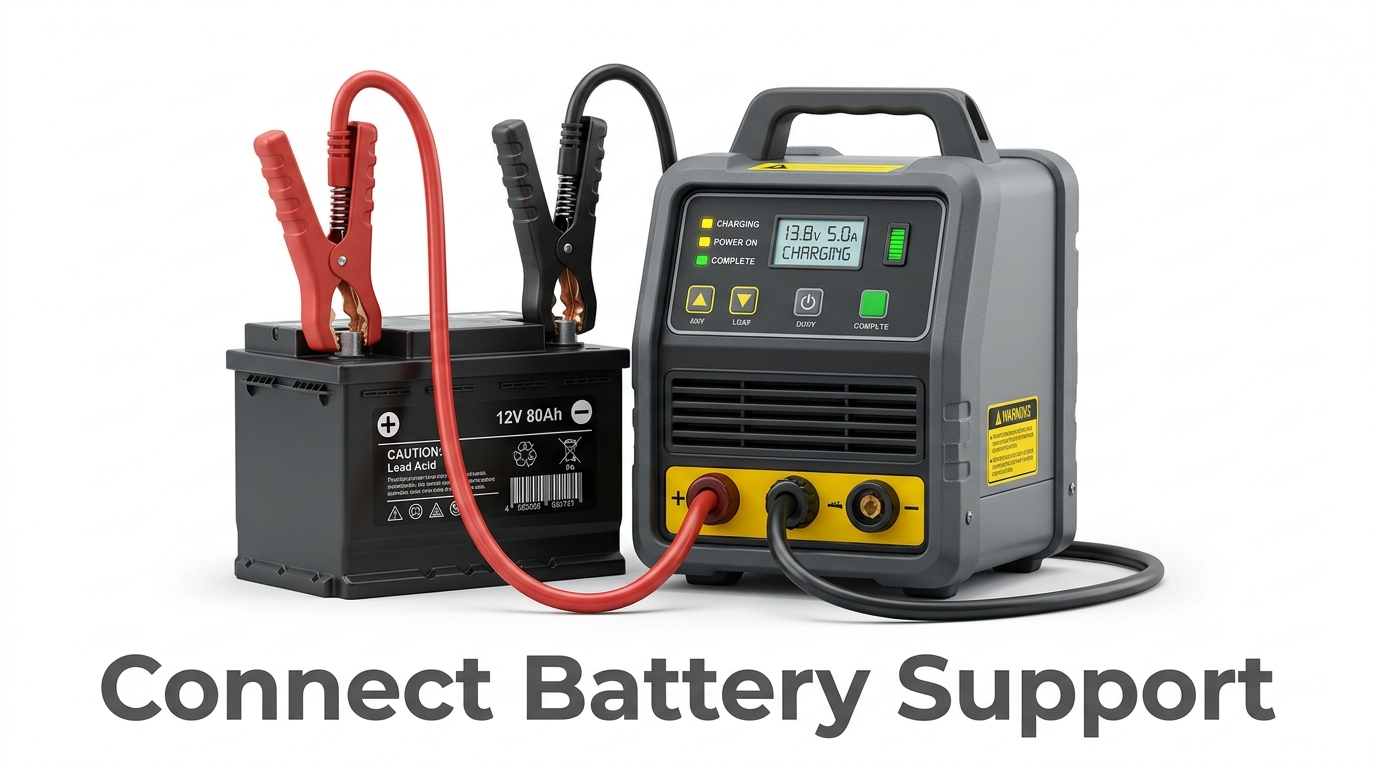
- Stable vehicle battery support prepared where required
- Reliable internet and workstation power confirmed
- Recovery path understood before programming begins
Battery support and stable vehicle voltage
Programming procedures can take time and may require the vehicle to remain awake with multiple control modules active. Voltage instability during a write procedure can interrupt communication or cause the programming application to stop.
The workshop should follow the voltage and battery-support requirements of the specific OEM, tool or programming procedure being used. 4Desk does not control vehicle voltage and does not replace an approved battery maintainer or power supply.
Prepare the workshop computer and internet connection
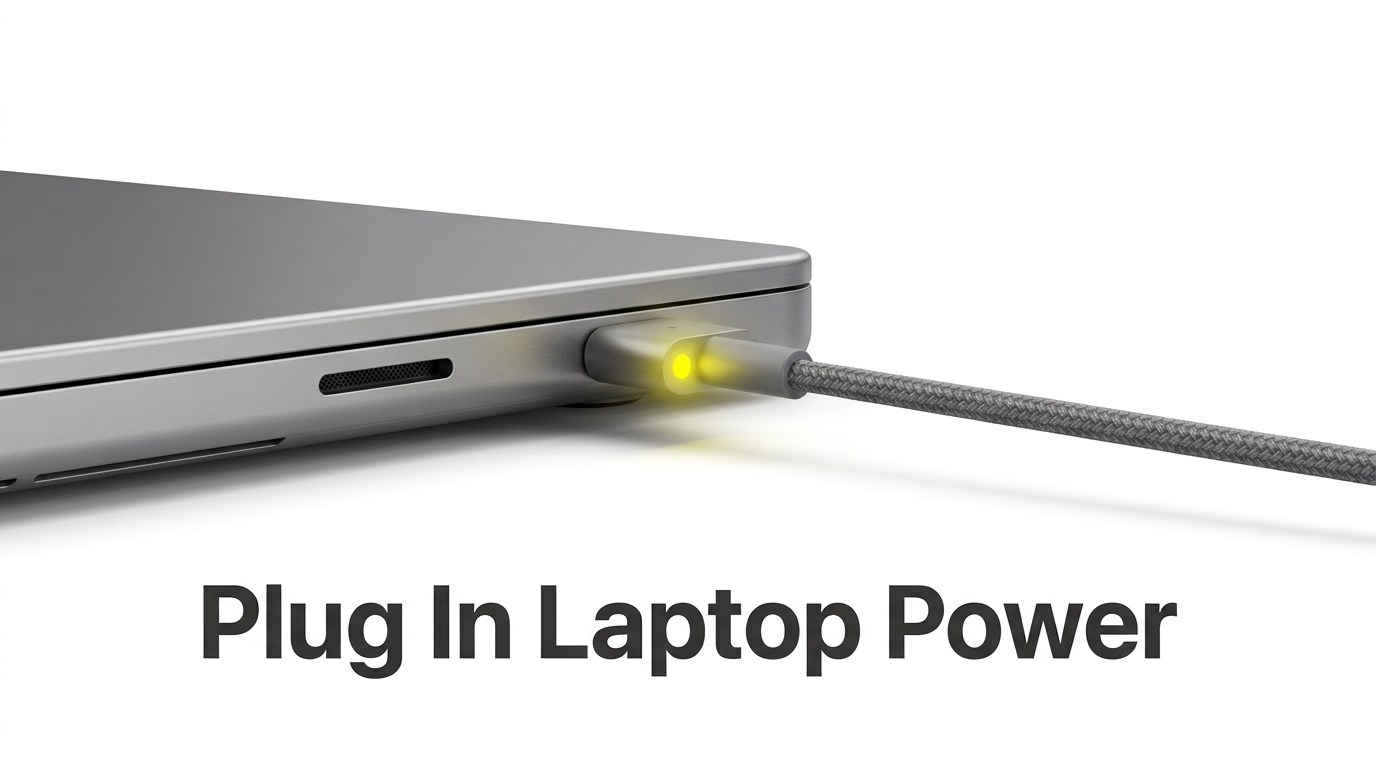
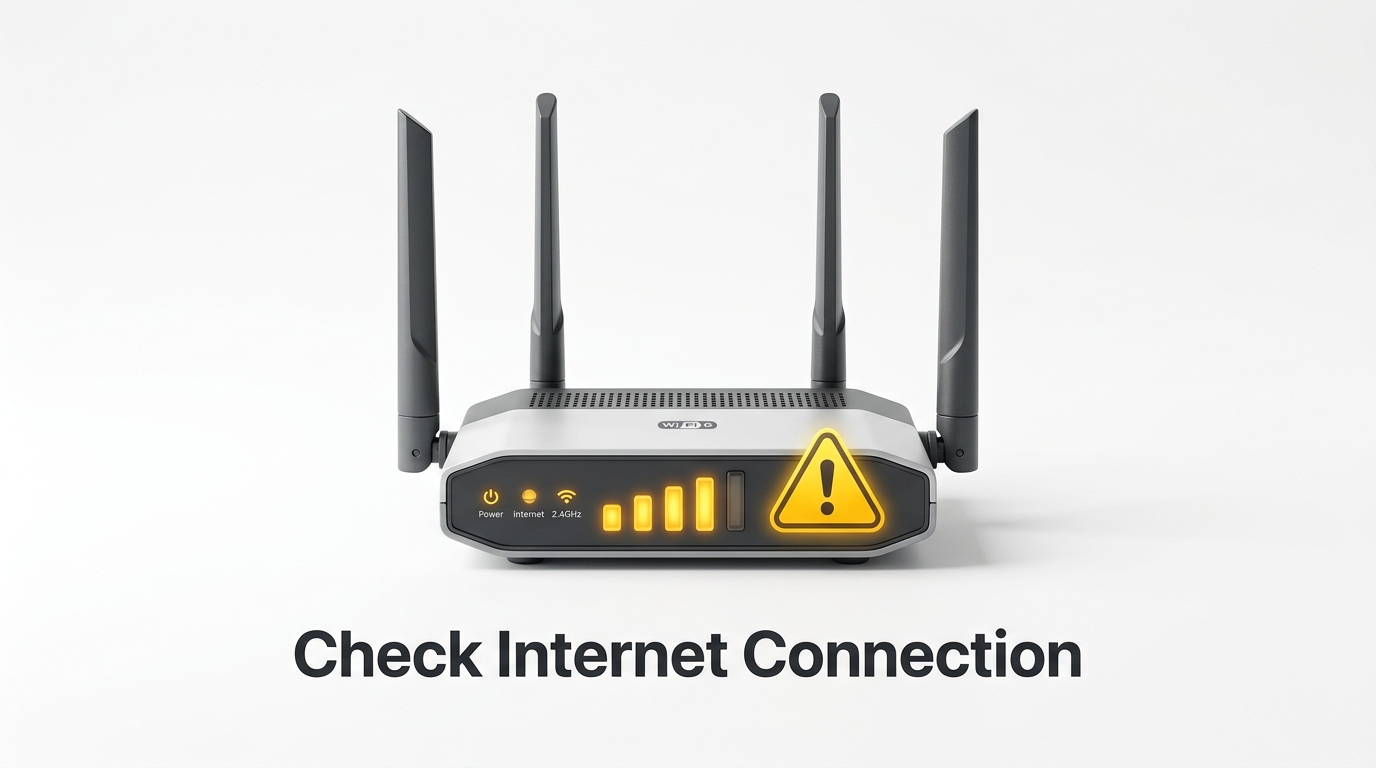
The computer running the programming or diagnostic application should be connected to reliable power and have a stable network connection. Avoid starting a sensitive programming procedure on a laptop that is nearly discharged, on an unstable Wi-Fi connection or while Windows is waiting to restart for updates.
Before the session, close unnecessary applications, disable avoidable interruptions and verify that the required programming software launches correctly.
Connect and verify the correct diagnostic or programming interface
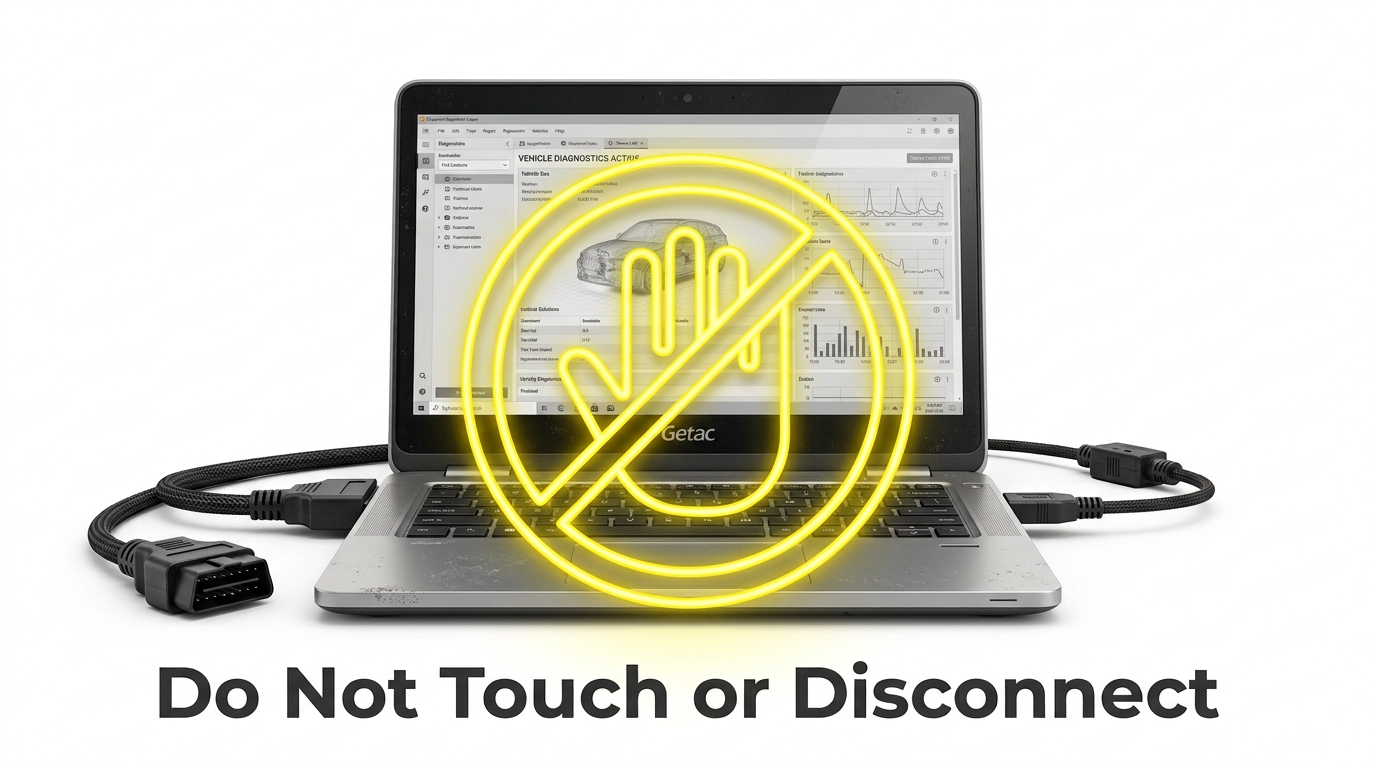
The local technician should connect the correct vehicle interface and confirm that the programming application can communicate with it before a sensitive procedure starts. Interface drivers, firmware, USB/Ethernet connections and vehicle-side connectors should already be working.
A remote specialist can help with software-side troubleshooting, but they cannot physically reseat a cable, replace a failed interface or inspect a damaged vehicle connector.
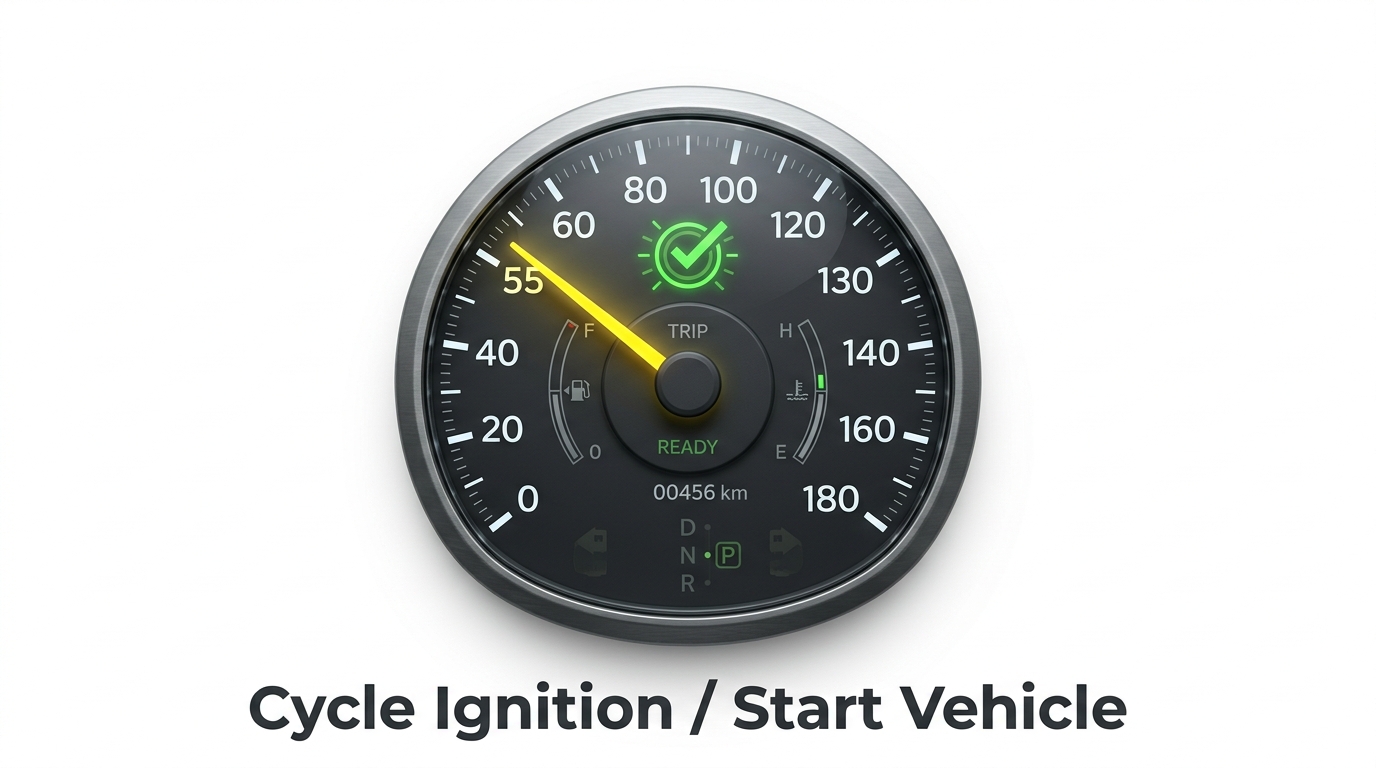
Ignition state and physical actions stay local
Programming procedures may require ignition changes, wake/sleep cycles, key actions or a vehicle restart. Those actions should be performed by the local technician according to the instructions shown by the programming application or agreed support workflow.
Prepare software, files and credentials before the session
Make sure the programming application is installed and opens correctly before the remote specialist connects. If the job requires approved files, packages or logs, identify them in advance and keep unrelated customer files outside the session workflow.
If files must be transferred during support, move only the files needed for the job. 4Desk file transfer can support that workflow, but the workshop and specialist remain responsible for deciding which files are appropriate to use.
Understand the recovery path before you begin
Every programming workflow should have a plan for what happens if the procedure is interrupted. That plan depends on the vehicle, module, programming tool and OEM or tool-specific process.
Before writing begins, the workshop and remote specialist should understand whether the tool supports retry, recovery or module replacement procedures and what conditions must remain stable if a programming attempt needs to be repeated.
Where 4Desk fits into ECU programming support
4Desk by GarageOS provides the remote-support layer that allows an approved specialist to access the workshop computer during coding or programming assistance. The specialist can work with the software running on that computer, review information, help with configuration, transfer approved files and guide the local technician.
4Desk is not ECU programming software and does not replace the programming application, vehicle interface, battery support, OEM procedure or technician at the vehicle.
Frequently asked questions
What should I prepare before remote ECU programming support?
Confirm the vehicle and programming task, connect the correct interface, prepare stable vehicle and computer power, verify the programming application, confirm reliable internet access and understand the recovery procedure before programming begins.
Do I need a battery maintainer for remote ECU programming?
Use the battery-support setup required by the OEM, programming tool or specific procedure. Remote-support software does not provide or control vehicle voltage.
Can the remote specialist control the vehicle ignition?
The local technician should perform ignition changes and other physical vehicle actions according to the programming application's instructions or the agreed support workflow.
What happens if the internet connection drops during programming?
The outcome depends on the programming application and procedure. The workshop should use a stable connection and understand the tool-specific recovery process before the write starts.
Does 4Desk perform ECU programming?
No. 4Desk provides remote access to the workshop computer. ECU programming, coding and diagnostic functions are performed by separate applications and interfaces.
Can 4Desk transfer programming files?
4Desk includes supported file-transfer workflows. Only approved, job-specific files should be transferred and used with the appropriate programming application.
Understand the full remote programming workflow
Read how remote access fits into ECU and module programming support, or review the broader remote diagnostics workflow for automotive workshops.